


DST File Backup and Storage: Best Practices for Embroiderers
DST File Backup and Storage: Best Practices for Embroiderers
You on your computer, search for an embroidery design you stitched & realized the embroidery file design is missing. One missing file delays work, wastes valuable time & even forces you to recreate a design from scratch. That’s why taking care of every dst file is just as important as creating embroidery designs in the first place.
After spending years working on embroidery projects, I noticed one simple & easy pattern. People usually spend hours perfecting a design but only a few seconds thinking about where they save it. Well, that small habit can create big problems later. A good backup keeps your designs safe, saves time & makes daily work much easier. Doesn’t matter you stitch for customers every day or enjoy embroidery as a hobby, keeping your files organized is a habit worth building.
Why Backing Up Your DST Files?
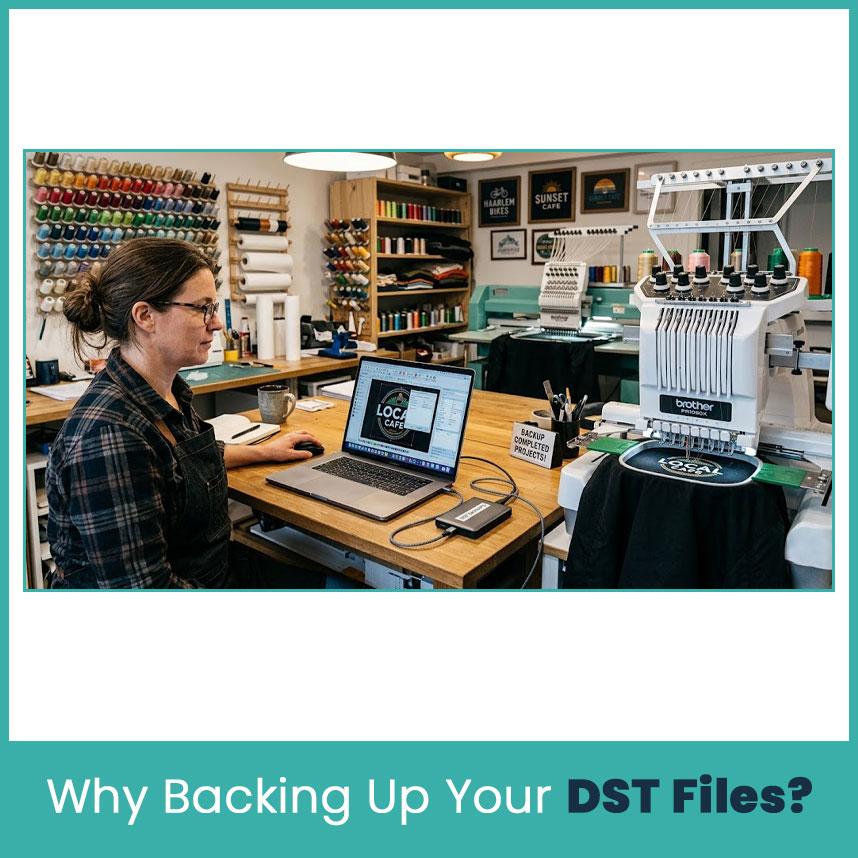
Every embroidery project needs time, effort & creativity. Losing one design sounds serious until a customer asks for a repeat order and the original file is missing. Recreating the same stitch sequence rarely creates identical results, especially when several edits were made before the final version.
I learned this lesson while preparing repeat logo orders for a local business. The design looked simple but the final version included several small stitch adjustments that were never written down. Because the original backup was missing, the logo had to be digitized again. Since then, backing up every completed design has become part of my regular workflow.
A reliable backup system also helps when computers fail, hard drives stop working, or files become damaged. Instead of starting over, you easily restore the design & continue working without slowing down production.
Best Ways to Store DST Files Safely
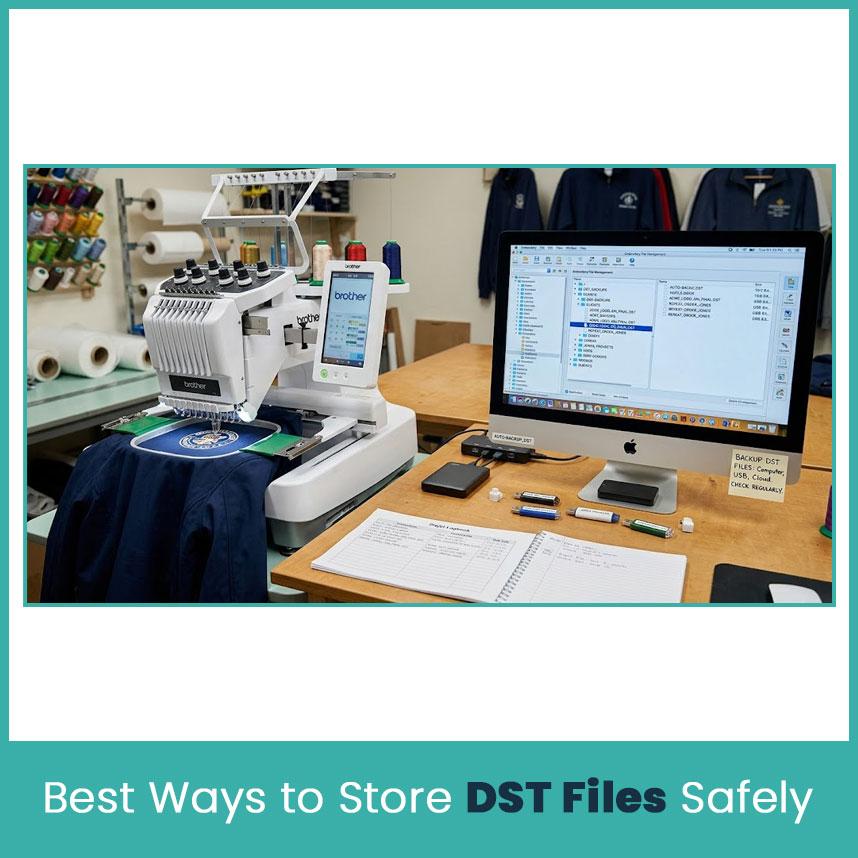
Saving embroidery designs in one location is rarely enough. Computers issue, storage devices fail & accidental deletion happens when you least expect it. Basically, using more than one storage method gives you peace of mind because your designs stay protected even if one copy is missed.
Here are some practical ways professional embroiderers keep their files safe.
-
Keep more than one copy of every design. Save one version on your computer and another in a separate location. This simple tip has saved many embroiderers from losing of work.
-
Update backups regularly. Every time you edit a design, save the latest version instead of depending on an older copy. Small stitch changes matter more than many people realize.
-
Use clear file names. Include the customer name, design name, size, or date. A file called "Logo_ Final_LeftChest_4in" is much easier to find than "Design1."
-
Separate customer files into folders. Organizing by customer, project, or year keeps everything easy to locate when repeat orders arrive.
-
Check your backups every few weeks. A backup only helps if it actually works. Open a few files from time to time to confirm they are still available and readable.
Local Storage (Computer or External Drive)

Local storage is one of the quickest ways to access embroidery designs. Your computer stores files instantly, while external drives provide another layer of protection. I always keep a working copy on my computer because opening large embroidery projects becomes much faster during busy production days.
Computer
-
Create a dedicated embroidery folder. Keep every design in one main directory instead of saving files across the desktop or download folder.
-
Sort folders by customer or project. Finding older designs becomes much easier when every project follows the same folder structure.
-
Back up your computer regularly. Even a new computer can create problems without warning, so never depend on one device.
External Drive
-
Choose a reliable external hard drive or SSD. Good quality storage devices usually last longer and handle large design collections better.
-
Disconnect the drive after backing up. Keeping it unplugged protects your files from accidental deletion or computer problems.
-
Replace aging drives every few years. Storage devices wear out over time, so copying your files to a newer drive is a smart long term habit.
Cloud Storage Options

Cloud storage gives you another copy of your embroidery designs without depending on one computer. It also makes it easier to access files from different locations when you work on more than one machine.
-
Sync your embroidery folders automatically. Automatic syncing keeps recent changes updated without requiring extra work every day.
-
Protect your account with two factor authentication. A stronger login adds another layer of security for valuable customer designs.
-
Review storage space regularly. As your embroidery library grows, keeping enough available space prevents upload problems.
-
Keep folders organized online. Using the same folder structure on your computer and cloud account makes locating files much faster.
-
Restore deleted files quickly. Most cloud services include a recycle bin, which helps recover files removed by mistake before they disappear permanently.
USB Drives for Machine Transfer
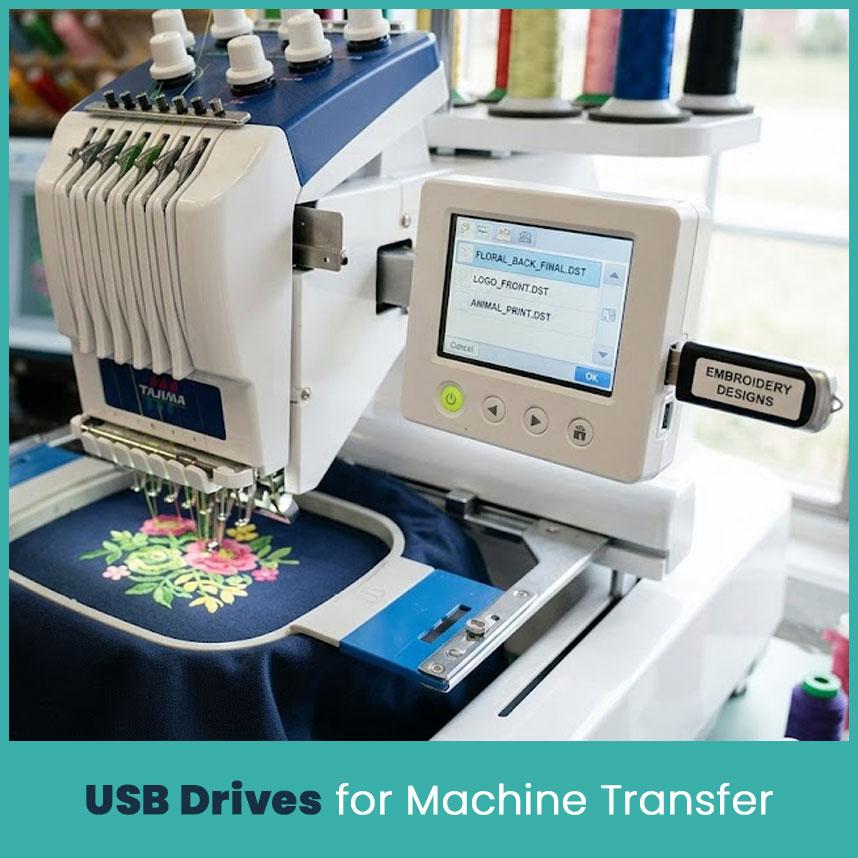
USB drives one of the easiest ways to move embroidery designs from your computer to an embroidery machine. By the way, many embroidery shops still use USB drives every day because they are simple, portable & work with most commercial and home embroidery machines.
-
Use a separate USB drive for embroidery work. Avoid mixing embroidery files with photos, videos, or personal documents. A dedicated drive keeps everything neat and reduces confusion.
-
Format the USB drive correctly. Most embroidery machines read FAT32-formatted drives. If the format is different, the machine may not recognize your design even though the file copied successfully.
-
Copy only the finished design. Before transferring, double-check that you copied the production ready file instead of your editing project from the embroidery digitizing software. This simple check saves time at the machine.
-
Safely eject the USB drive. Removing the drive while files are still transferring can damage the data. Taking a few extra seconds helps protect your work.
-
Replace worn out USB drives. Flash drives have a limited lifespan. If one starts disconnecting or copying files slowly, move your designs to a new drive before problems grow.
How to Organize DST Files for Easy Access?
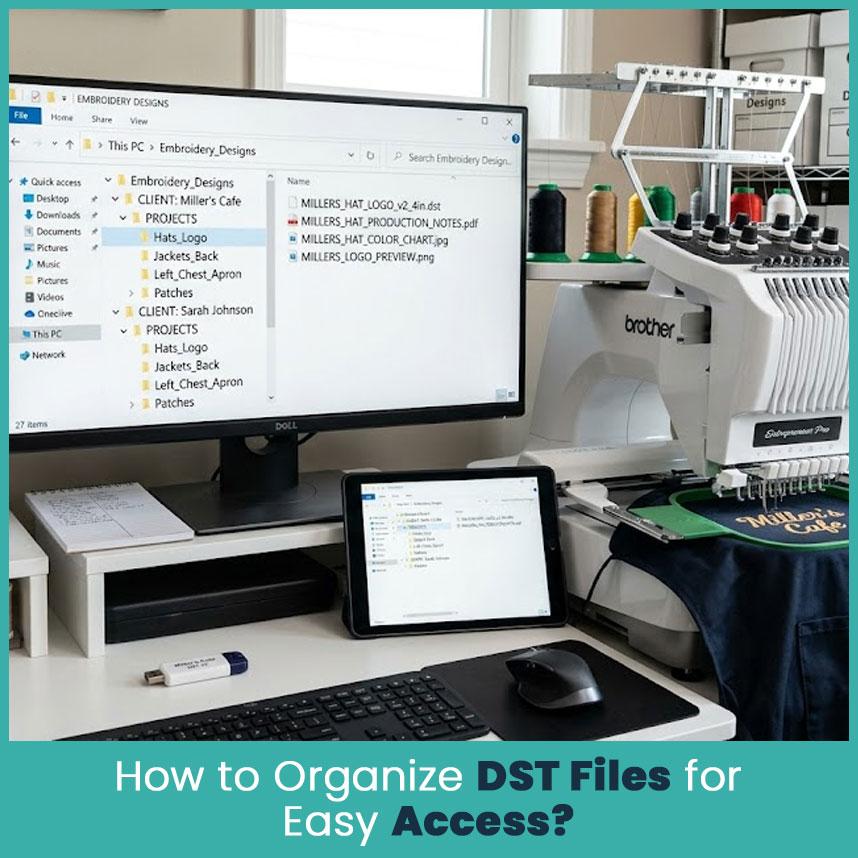
A well organized folder saves more time than you think. Actually, when customers return months later asking for the same design, finding it should take seconds instead of searching through hundreds of random files.
-
Create folders by customer name. This method works well for businesses that handle repeat orders throughout the year.
-
Add project folders inside each customer folder. Separate hats, jackets, left chest logos, and patches into their own folders for quicker access.
-
Use consistent file names. Include details like design name, size, and version. Clear names prevent confusion when multiple revisions exist.
-
Save related files together. Keep production notes, color charts, PDFs, and stitch files in the same folder so everything stays connected.
-
Archive completed projects. Move older designs into yearly archive folders instead of deleting them. Many repeat orders come back after several months or even years.
Common Mistakes That Lead to Lost DST Files
Most lost embroidery files happen because of simple habits that people overlook. Pretty sure almost every experienced embroiderer has made at least one of these mistakes and the best part is that each one is easy to avoid.
-
Keeping only one copy of a design. If that single file becomes damaged or deleted, recovering it becomes much harder.
-
Using unclear file names. Names like "New Design," "Logo2," or "Final Final" create confusion when your design library grows.
-
Skipping regular backups. Waiting several months before creating another backup increases the chance of losing recent work.
-
Saving files in different locations. When some files stay on the desktop, others in Downloads & others on USB drives, locating the correct version becomes frustrating.
-
Deleting old designs too quickly. Storage space is inexpensive compared to the time required to recreate an embroidery design from scratch.
-
Ignoring version control. If you update a logo after customer approval, save it as a new version instead of replacing the original. Earlier versions sometimes become useful later.
One habit that has worked well for me is following the "3-2-1 backup rule." I keep three copies of important designs, store them on two different types of storage & keep one copy away from my main computer. It sounds simple because it is, but that routine has protected years of embroidery work from unexpected computer problems.
Frequently Asked Questions
DST file backup strategies for embroidery professionals
The safest strategy combines local storage, cloud storage, and an external backup. Keeping multiple copies reduces the risk of losing important embroidery designs if one device fails.
How can I organize my DST embroidery file backups for easy retrieval?
Create folders by customer, project, or year, and use clear file names that include the design name, size, and version. A consistent folder structure makes repeat orders much easier to manage.
Best practices for organizing and storing embroidery design files
Store completed projects in organized folders, back them up regularly, keep duplicate copies on different storage devices & review your backups from time to time to confirm every file opens correctly.
Conclusion
Keeping your embroidery files safe doesn’t need expensive embroidery tools or complicated systems. Small habits, repeated consistently, make the difference. Saving more than one copy, organizing folders properly & checking backups regularly save hours of work when something unexpected happens.
As your embroidery library continues to grow, these habits become even more valuable. If you work with custom embroidery digitizing designs, work with different embroidery file formats, or manage large projects through embroidery digitizing programs, protecting your files should always be part of your daily routine. Spending a few extra minutes today can save countless hours later & that's a lesson every experienced embroiderer eventually learns.
Author Bio
Matthew Davis
Senior Embroidery Digitizer
I'm Matthew Davis, a skilled embroidery digitizer with more than 15 years of practical experience. I specialize in logo digitizing, 3D puff embroidery designs, applique digitizing, custom embroidery digitizing, and working with difficult fabrics. Over the years, I have worked with different fashion brands and production teams worldwide. I always share simple tips and useful techniques to help both beginners and businesses improve their embroidery work.

 English
 Arabic
 French
 Spanish
 Deutsch
 Turkish
 Dutch
Dutch
 Italiano
 Russian
 Romaian
 Portuguese (Brazil)
 Greek
Greek